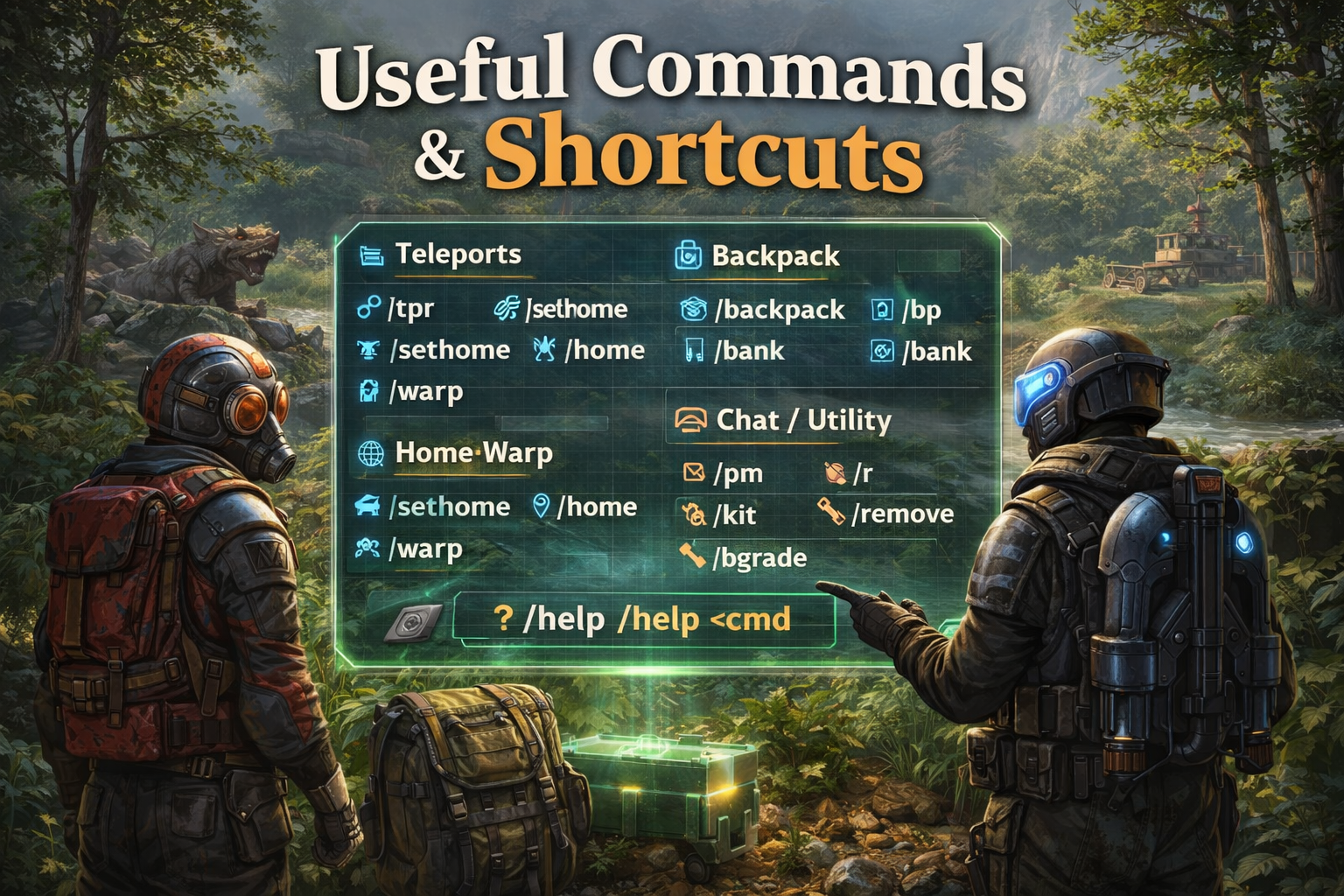
Useful Commands & Shortcuts Every Rusting Away PvE Player Should Know
Save time, avoid frustration, and get back to building + PvE. This guide covers the most-used chat commands on Rusting Away: teleports, backpacks, homes/warps, and a handful of utility shortcuts that make daily life smoother.
At a Glance
The “use these daily” commands.
Teleport
/tpr, /tpa, /home, /sethome, /warp
Backpack / Storage
/backpack, /bp, /bank (if enabled)
Chat & Messages
/pm or /msg, /r, clan chat (if enabled)
Utility
/kit, /remove, /bgrade, /skin (if enabled)
Teleport Commands
Fast travel for PvE life (powered by NTeleportation).
Teleporting is the #1 time-saver on a PvE server. Use it to meet friends, return to base, or reposition after events. Expect cooldowns and warmups for fairness.
Player-to-player TP
- /tpr <player> — request to teleport to a player
- /tpa <player> — request a player to teleport to you
- /tpc — cancel a pending request
- /tpa (no name) — sometimes shows pending requests (server dependent)
Home TP
- /sethome <name> — set a named home (example: /sethome main)
- /home <name> — teleport to a named home
- /listhomes — list your homes
- /removehome <name> — delete a home you no longer need
Warp basics (server warp points)
- /warp — list available warps
- /warp <name> — teleport to a warp (example: /warp outpost)
Backpack & Extra Storage
Carry more, lose less time (Backpacks / BagOfHolding / GlobalStorage / Bank).
Backpack
- /backpack — open your backpack
- /bp — common shortcut alias
Use this for extra loot during PvE runs. If you die, backpack behavior depends on settings (ask staff if unsure).
Bank / Global Storage (if enabled)
- /bank — open your bank
- /gstorage or /gs — global storage (server dependent)
Great for storing valuables before big events. If these commands don’t work, they may be disabled this wipe.
Home & Warp Setup
A quick, practical “set it once and enjoy it all wipe.”
Starter homes
- /sethome main — your base core
- /sethome farm — your farm/composter area
- /sethome loot — a recycler or sorting spot
Daily warp habits
- /warp outpost — trading, recyclers, errands
- /warp bandit — gambling/shop (if available)
- /warp event — some servers add event warps
Clean management
- /listhomes — audit your list
- /removehome <name> — delete old homes
- Rename habits: keep home names short
Chat & Utility Commands
Communication + quality-of-life shortcuts (BetterChat / PrivateMessages / Kits / tools).
Private messages
- /pm <player> <message> — message a player
- /msg <player> <message> — common alias
- /r <message> — reply to last PM
Clans (if enabled)
- /clan — view clan help/options
- /c <message> — clan chat (common shortcut)
If your clan commands differ, run /clan help (server dependent).
Handy utilities (common on Rusting Away)
- /kit — open kits (if available)
- /remove — remover tool (if enabled; may cost resources)
- /bgrade — quick building upgrades (if enabled)
- /skin or /skinbox — skin selection (if enabled)
- /sign — sign artist tools (if enabled)
- /autodoor — manage auto doors (if enabled)
- /skipnight — skip night voting/UI (if enabled)
Quick FAQs
Common confusion points.
My /tpr or /home says “unknown command.” Why?
Why did my teleport cancel?
Is my backpack safe if I die?
What are the “must-have” commands for brand new players?
Next up
Want faster progression? Check out our other PvE guides for events, loot routes, and base-building quality-of-life tips.