Common Mistakes New Players Make (and How to Avoid Them)
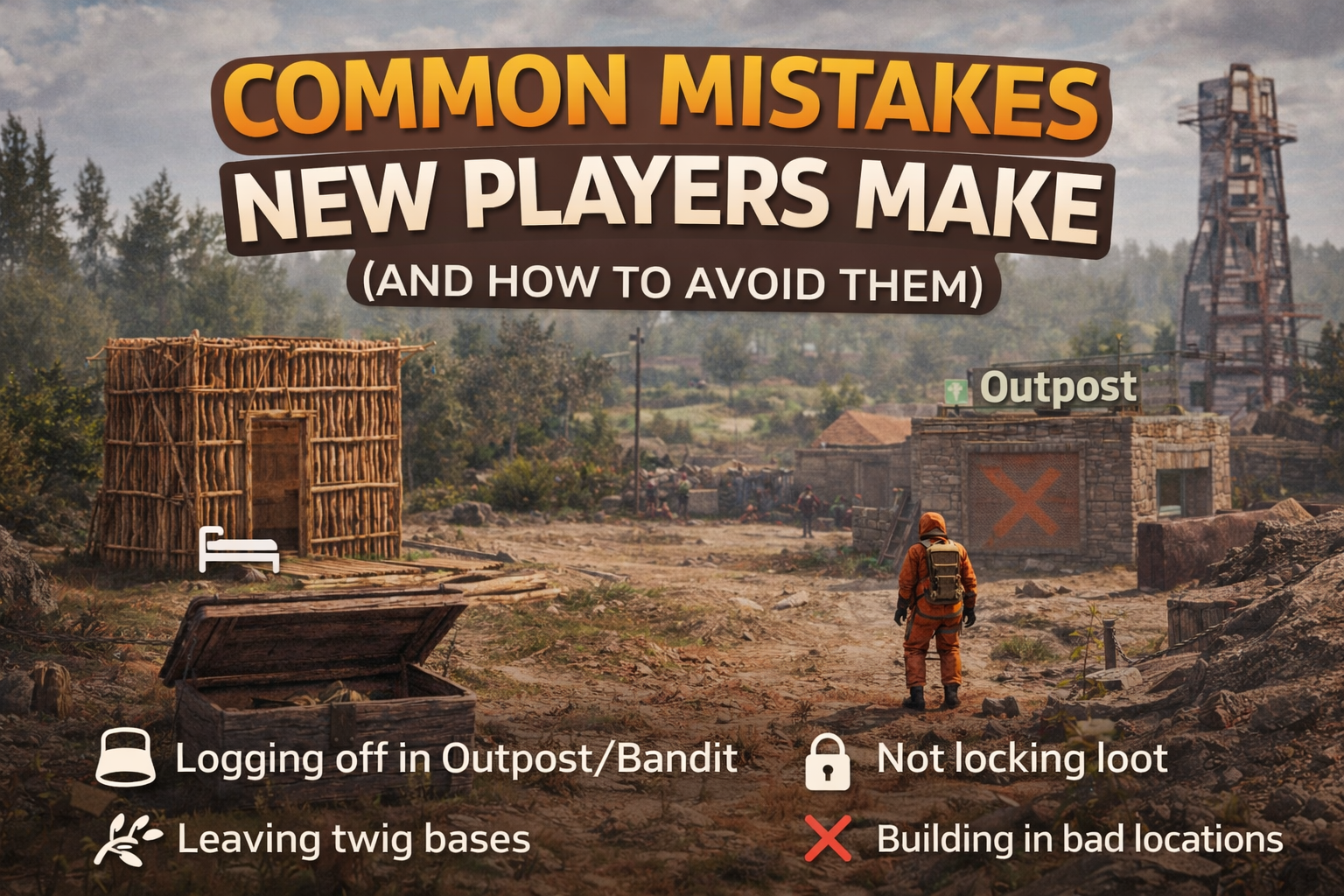
This guide covers the four “admin ticket generators” we see most: logging off in safe zones, leaving twig builds, forgetting locks, and building in rough spots. Fix these and your wipe gets smoother fast.
At a Glance
Four quick fixes that prevent 90% of early wipe pain.
Don’t log off in Outpost/Bandit
Log out at your base or a quiet spot — safe zones can still be unsafe.
Never leave twig overnight
Twig is “temporary.” Upgrade before you hop off.
Lock everything, always
Doors, TC, boxes — it takes seconds and saves hours.
Build in smart locations
Avoid traffic lanes, monuments, and “high-drama” spots.
1) Logging Off in Outpost / Bandit
“It’s a safe zone” doesn’t mean “safe to log off.”
Outpost and Bandit feel like the perfect “I’ll just log off here” spots — until they aren’t. Between AI behavior, weird timing, and other players moving through, logging out there can still get you killed or leave your body in a bad situation.
What goes wrong
- You wake up dead or stuck in a loop of bad spawns.
- Your body ends up in a risky spot (or you time out weird).
- You lose gear and assume it’s refundable (it usually isn’t).
How to avoid it
- Log off at your base (preferred).
- If you’re traveling: stash gear and log off hidden, off-path.
- Make a simple 1×1 “rest stop” base near your route.
2) Leaving Twig Bases
Twig is for building, not for living.
Twig is basically a “work in progress” sign. It’s fragile, easy to break, and often gets removed during cleanup. If you log off with a twig base, you’re gambling your whole start.
Quick upgrade priority
- Foundation + door frames first
- Tool Cupboard area secured
- External walls last (if needed)
Minimum “log off ready”
- Stone (or better) core
- Door(s) placed and locked
- TC placed and locked
Avoid this pattern
- “I’ll upgrade tomorrow” (famous last words)
- Leaving open frames/holes
- Storing loot in twig shacks
3) Not Locking Loot
Most “I lost my stuff” starts with “I forgot a lock.”
This one is simple: if it can be opened, someone will open it — even by accident. Locks prevent confusion, drama, and staff time spent sorting out “who touched what.”
Lock checklist (do this every time)
- Front door(s)
- Tool Cupboard (TC)
- All boxes with valuables
- Furnace room / loot room doors
Pro habit
- Carry spare locks on day 1
- Place the lock immediately after placing the door/box
- Do a 10-second “walkthrough” before logging off
4) Building in Bad Locations
The map is big — pick a spot that helps you, not hurts you.
New players often build where they first feel “safe,” but some areas create constant problems: heavy traffic, blocked paths, monument edge cases, or places that cause disputes.
Avoid these spots
- Right next to monuments / high-interest POIs
- On roads, train tracks, or tight choke points
- In the middle of common travel routes
- Anywhere “Do Not Build” is posted or implied
Better options
- Near resources you use most (wood/stone nodes)
- Close enough to monuments to run them… not hug them
- Room for neighbors (and your own expansion)
- Not blocking access to water, roads, or POIs
Quick FAQs
Fast answers to the usual follow-ups.
Can I log off “near” Outpost/Bandit?
How long is “too long” for twig?
What if someone accessed my unlocked loot?
Where are the full rules?
You’ll progress faster doing less
Secure your base, pick a smart spot, and log off safely. That’s how you keep your wipe calm — and keep admin attention focused on events, not cleanup.