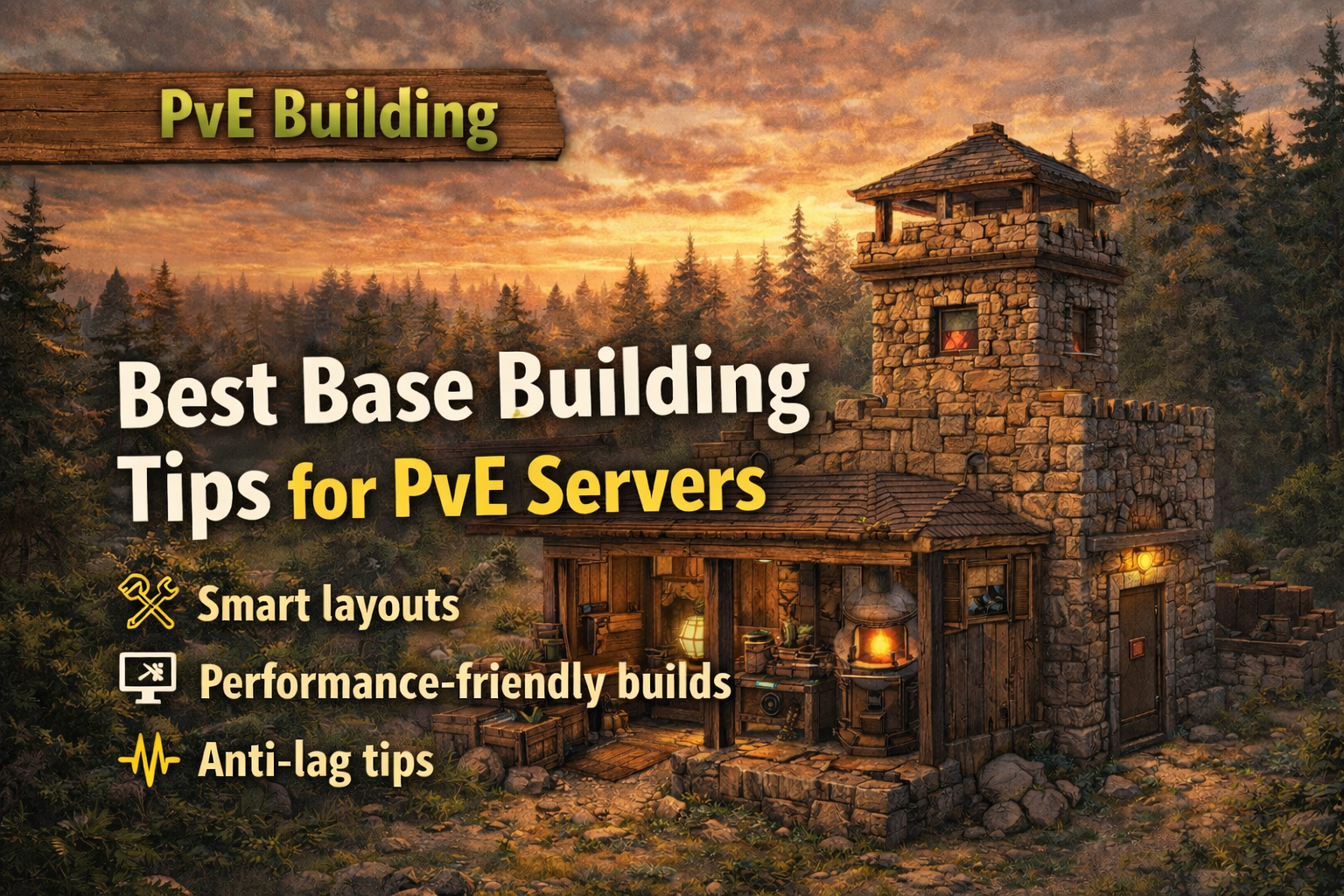
Best Base Building Tips Smart layouts, low-lag builds, and clean PvE rules
Builders are the backbone of Rusting Away. This guide focuses on practical base design for PvE servers: layouts that feel great to live in, builds that stay performance-friendly, and anti-lag habits that keep the whole map smooth — without rehashing the full rules page.
At a Glance
The best habits for PvE builders — strong, clean, and server-friendly.
Build for flow
Plan your routes: loot-in, craft, farm-out. Convenience = fewer mistakes and faster runs.
Keep it light
Avoid “over-building.” Smart compartments beat giant spam towers (and they lag less).
Defend the PvE way
Design around NPC threats: funnels, safe peeks, healing corners, and clear escape routes.
Respect neighbors
Mind spacing, land claims, and event areas. The best bases don’t create tickets.
1) Smart Layouts That Feel Great
Build for daily life: routes, storage logic, and quick access.
On PvE servers, the “best” base is usually the one that’s easy to run. You’ll spend more time farming, crafting, and sorting than you will defending against players — so design around comfort and efficiency.
The PvE “work triangle”
- Drop zone: front door → quick dump boxes
- Craft zone: workbench, furnaces, repair, mixing
- Sort zone: labeled storage and dedicated loot lanes
Layout tips that always win
- Put “daily-use” storage closest to your entrance
- Keep beds/spawn points away from high-traffic doors
- Use a single wide hallway instead of awkward micro-rooms
- Reserve one “mess room” for overflow so the rest stays clean
2) Performance-Friendly Builds
The best bases are stable on FPS and stable on the server.
“Lag” isn’t just your PC — it’s also how many entities the server has to track. You can build impressive bases without turning a grid into a slideshow by being intentional with deployables and footprint.
Entity-heavy habits to avoid
- Overloading a room with deployables “just because”
- Building massive honeycomb that does nothing in PvE
- Leaving dropped items and junk piles around your base
- Stacking dozens of signs, frames, and decorations in one spot
Better alternatives
- Use tidy, labeled storage instead of extra boxes everywhere
- Build modular expansions only when you need them
- Keep your “industrial / furnace” area contained and ventilated (space)
- Decorate with a theme — not with sheer quantity
3) Anti-Lag Tips That Actually Matter
Small habits that keep your base smooth on mobile/low-end PCs too.
Even a great build can become “heavy” over time. The usual cause is gradual clutter: extra boxes, extra doors, extra lights, extra everything. Do a quick cleanup pass once in a while.
Clean the footprint
Avoid placing deployables outside randomly. Keep the yard simple and intentional.
- One organized farm zone
- One vehicle/garage zone
- One “drop & go” entry
Reduce “view spam”
If you can see 200 things at once, the game has to render 200 things at once.
- Use walls/rooms to hide busy areas
- Keep big storage piles out of main sight-lines
- Don’t line every wall with deployables
Go easy on effects
Some items and lighting setups can be surprisingly expensive in busy bases.
- Fewer lights, better placement
- Keep industrial areas tidy
- Avoid excessive “animated” décor
4) Building Rules Recap (Short + Useful)
Not the full rules page — just the building basics that prevent problems.
Most building issues aren’t “bad intent” — they’re usually spacing, blocking, or building in the wrong place. Keep things friendly and clean and you’ll never have to worry about it.
Do this
- Give neighbors room and avoid claim creep
- Keep paths/monuments/event areas accessible
- Build with a clear footprint and tidy yard
- Ask staff if you’re unsure about a location
Avoid this
- Blocking roads, monuments, or event spawns
- Spreading out with disconnected “junk” structures
- Building right on top of someone else’s space
- Placing griefy traps around public routes
Quick Builder Checklist
Use this before you expand (or before you move).
Quick FAQs
Common builder questions (short answers).
Can I build big on a PvE server?
What causes base lag the most?
Should I honeycomb like PvP?
Where should I build if I’m unsure?
Next up
Want more PvE progression guides? Check the full guide list — events, loot, and the smoothest ways to grow your base.